

One Pass RFID Card
Check Your One Pass RFID Card
Checking your One Pass RFID card ensures smooth access to Killington Resort and Pico Mountain lifts, activities, and services. A verified and active pass allows you to bypass ticket window lines and go directly to the lift, maximizing your time on the mountain. Ensuring your pass is active also prevents any last-minute issues, allowing for a hassle-free experience.
Online Pass Checker Tips & Tricks
- The online pass checker does not work for Ikon Passes
- The date that appears above the Check One Pass Status button can be modified.
- If you're checking a midweek season pass, ensure you select a midweek date when your pass is valid
- If you're checking a date-specific lift ticket, ensure you've selected a date your ticket is valid for.
- If you get a Hotlisted One Pass error for Liability Release Required or Image Required, you can resolve those errors by signing into your online account and completing any necessary check-in steps. For all other errors, please contact us for assistance. Email seasonpass@killington.com, text 802-523-2202, or call 800-621-6867.
How to Pick up Your Lift Ticket
Our Lift Ticket Kiosks Are Quick, Easy and Touchless.
Follow these steps to ensure a smooth lot-to-lift experience:
1. Save your order confirmation email with QR code. This QR code is what you'll scan at one of our kiosks to obtain your ticket(s). Do not lose this email.
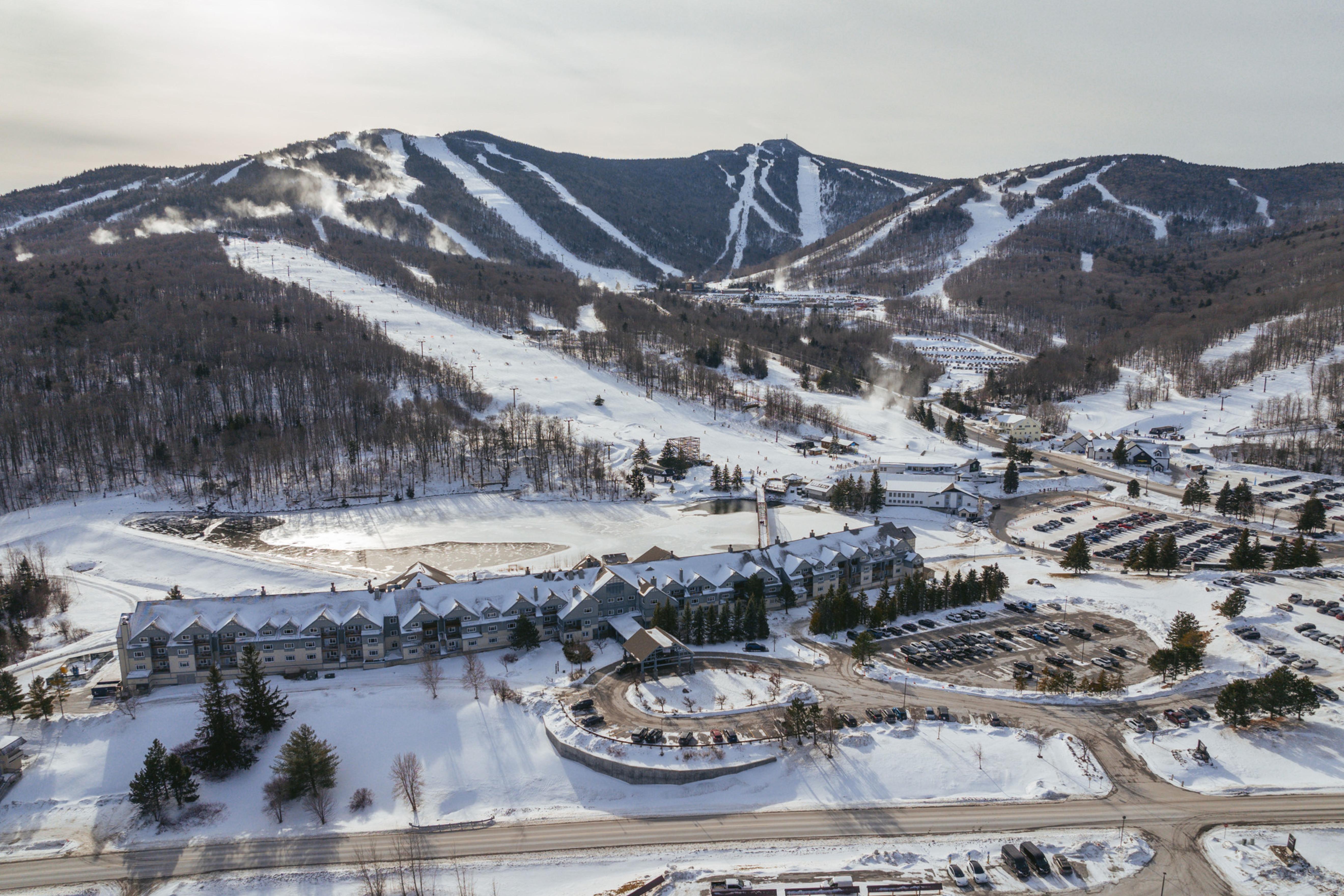
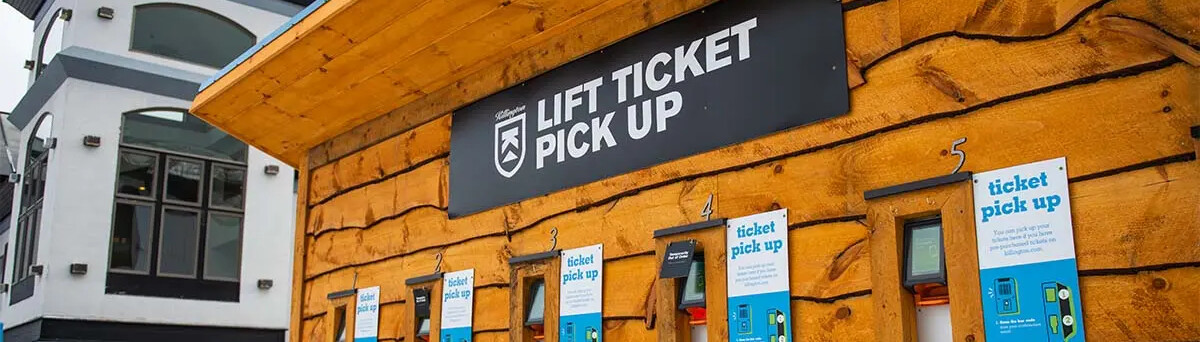
2. When you arrive at the resort you'll find kiosks conveniently located at each base lodge. Snowshed and Ramshead kiosks are outside, adjacent to the ticket window and are open 24 hours. Kiosks at K-1, Bear and Skyeship are located inside the lodges.
3. Using your phone or printed email, scan the QR code from your confirmation email at the kiosk. Child (6 and under) and Super Senior (80+) tickets must be picked up at a ticket window.
4. The kiosk will print all tickets in your order in the form of RFID cards. If you purchased multi-day tickets, all days are loaded onto this one card. You may head straight to the lift with your card for subsequent days.
5. Put your RFID card ticket in a secure pocket on your person and head for the lift. Be sure to save your RFID card so you can easily reload it for your next visit.
*If you reloaded an existing One Pass RFID Card online you can head straight to the lift with that card.
How to Carry Your One Pass
While skiing and riding, the One Pass should be placed in a pocket by itself, ideally on the sleeve of your jacket. The One Pass will not work if it’s carried in the same pocket as cell phones, credit cards, wallets, or keys. Never carry more than one RFID card (including cards from other resorts) at one time.
The One Pass, and any associated/loaded products, are not transferable and only valid for the original recipient of the card and associated products.
Lost your One Pass RFID Card?
If you misplaced or forgot your One Pass RFID Card at home, don't worry! Purchasing a new card is available online and will be available for pick-up at any of our "LIFT TICKET PICK UP" sheds outside our base lodges.
Step 1: Buy a One Pass RFID CARD
Step 2: Add One Pass RFID Card to cart and checkout
Step 3: Assign the new One Pass RFID Card to the member that needs it
Step 3: Complete the checkout process and take a screenshot of the QR code after checkout to have it ready for when you're at the kiosks.
Step 4: Go to any "LIFT TICKET PICK UP" kiosk around the resort. (All base lodges have one, Snowshed and Ramashead kiosks are outdoors and available 24/7)